The new conditions that we all found ourselves in April 2020 shifted many areas of business to remote work. In this situation, video communication has become almost the main tool for both business and personal communication.
Everyone is talking about Zoom today: its usage has grown 20-fold during quarantine. Other tools remain relevant as well: Skype, Google Hangouts, Microsoft Teams, etc. All tools for fast and affordable video communication are being used.
A home office is comfort, accessibility, and convenience. But there is a small nuance. There is no all-knowing “sysadmin” here who will quickly set up the sound and camera, update drivers, help install the necessary programs, and ensure uninterrupted internet. Now you will have to perform all this “magic” yourself.
We have prepared some tips for you on how to hold a work meeting, conference, or other online meeting at the highest level – even while at home in your favorite slippers!
A good “picture”
To make sure you are clearly visible and nothing distracts attention, take care of good lighting. You can use natural light if it is directed straight at your face and diffused with a curtain. In a dark room, you should turn on an LED lamp, for example a ring light, of which there is now a huge selection. Experiment with the modes in advance to make the light as neutral as possible.
Position the camera at eye level, so that you look natural on screen, and not with a bunch of extra chins. Try to look into the lens, not at the screen. This improves eye contact and encourages open communication.
|
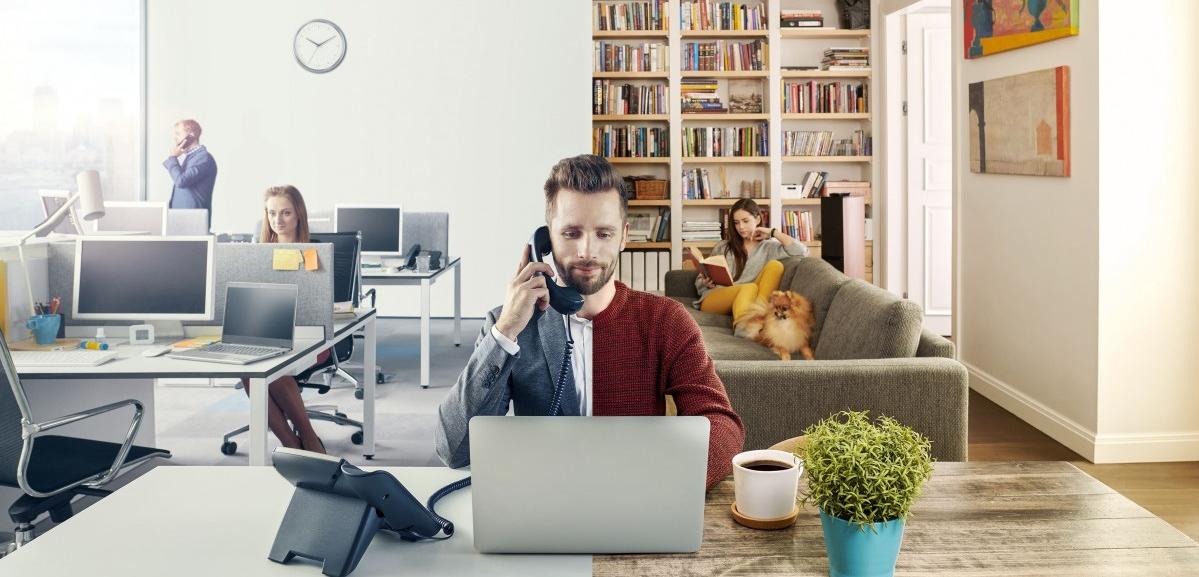
| Home office |
What's behind you?
Don't forget that the camera will capture more than just your face. The entire "background" — an unmade pile of laundry or a playing cat — will interest viewers no less than your presentation. Try to remove from view any distracting objects: a bookshelf, paintings, photos on the wall — anything that could become an object of scrutiny.
Some platform options can help with this. For example, in Skype and Teams you can unfocus the background, make it blurry, so that attention is only on your face. And in Zoom, you can even set any picture as your background. Even your company logo. By the way, here you can also "touch up" your appearance by evening out your skin tone. And if your company is liberal and creative enough, you can experiment with backgrounds for online meetings, thereby adding a note of positivity to the gray routine.

|
|
Experiment with backgrounds for online meetings, adding a note of positivity to the gray routine |
Can you hear me?
Even a perfect picture won't make sense if you can't be heard well. To avoid echo and interference, use headphones. Even better if you have a special microphone that clips onto clothing. It's worth buying if virtual communication is planned on a regular basis. And yes, the golden rule of the microphone is to turn it off on time.
“Get your sleigh ready” in advance
Be sure to test and connect everything the day before the event starts. Log in, explore all the options and settings so you can find your way around the interface. Check the sound, the camera, and how the picture looks. You may need some software or driver updates, or you may be missing an adapter. It's better to find that out in advance and fix it without rushing or stress.
Keep your connection clear
During the session, it's important to rule out a weak internet signal. If there is interference, turn off all automatic downloads, any torrent client, antivirus updates, your child's tablet downloading games, and so on. That way you'll get the sharpest possible picture and clean sound.
And finally:
-
Mute your phone;
-
Prepare your speaking notes;
-
Make sure there's no reason to get up from your desk during the video call;
-
Record the meeting. That way you can go back to the key points at any time and send it to those who couldn't attend.
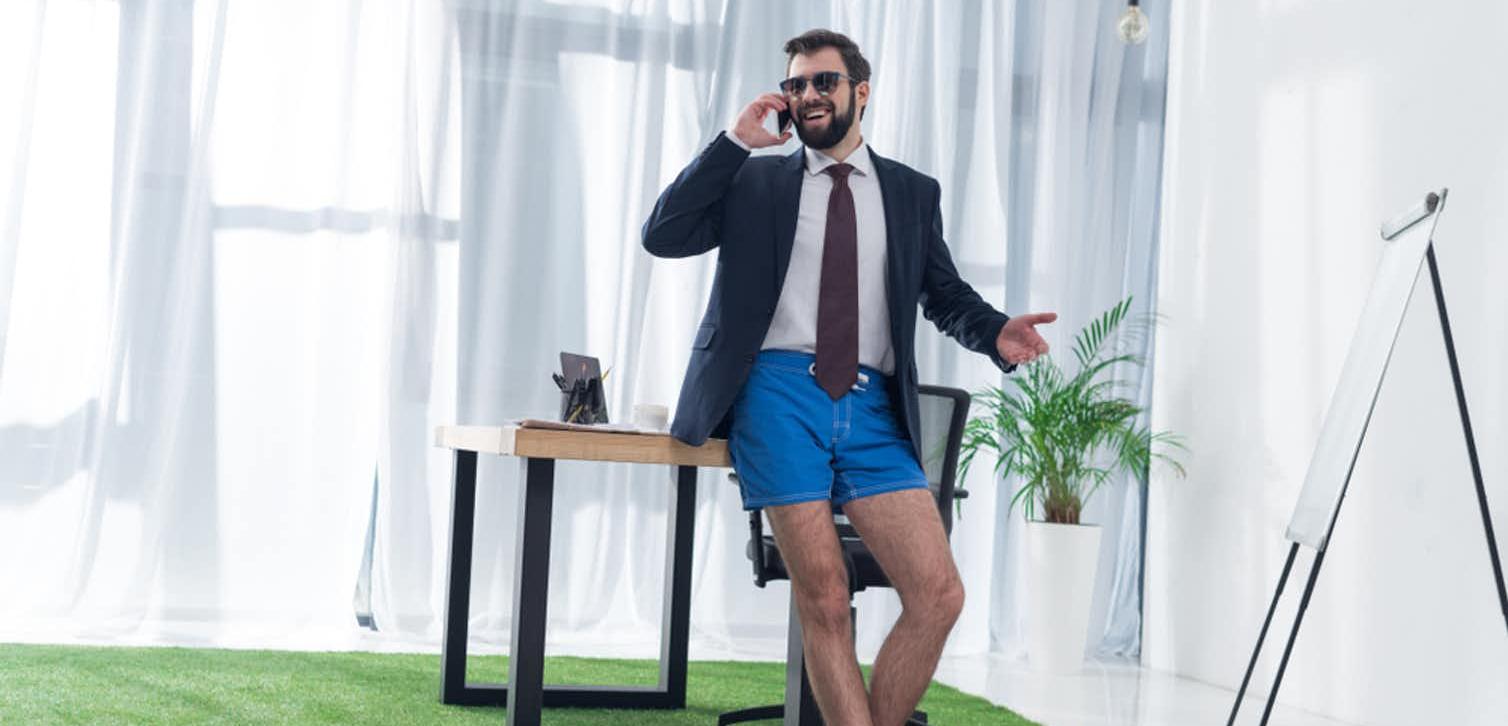
Do we even need to mention that your appearance should match a business dress code? And this applies not only to the top half of your body. Have you seen those funny videos online where a participant “in a suit” stands up too early and turns out to be… in pajama bottoms, at best? Remember that — and get fully dressed.
|
|
Get fully dressed |
And most importantly: make sure no one else appears on camera. Your wife, your mom, your kids, the dog — they should all be in another room. So you don't end up like on BBC News, when Robert Kelly's children burst into his room during his interview about South Korea.
Despite all the upheaval, life goes on — and so does work. The Aventura event agency will gladly help your company organize any event, including online events: from a meeting to a corporate party. We'll think through the program down to the smallest detail so your event is as productive and engaging as possible.
Was this article helpful?